
Electrical panel design online
Design your electrical panel in the browser: arrange devices on DIN rails, connect terminals and prepare documents for assembly.
Try an example
Open without signing up, edit the layout and export documents. Interface examples, not installation-ready designs.
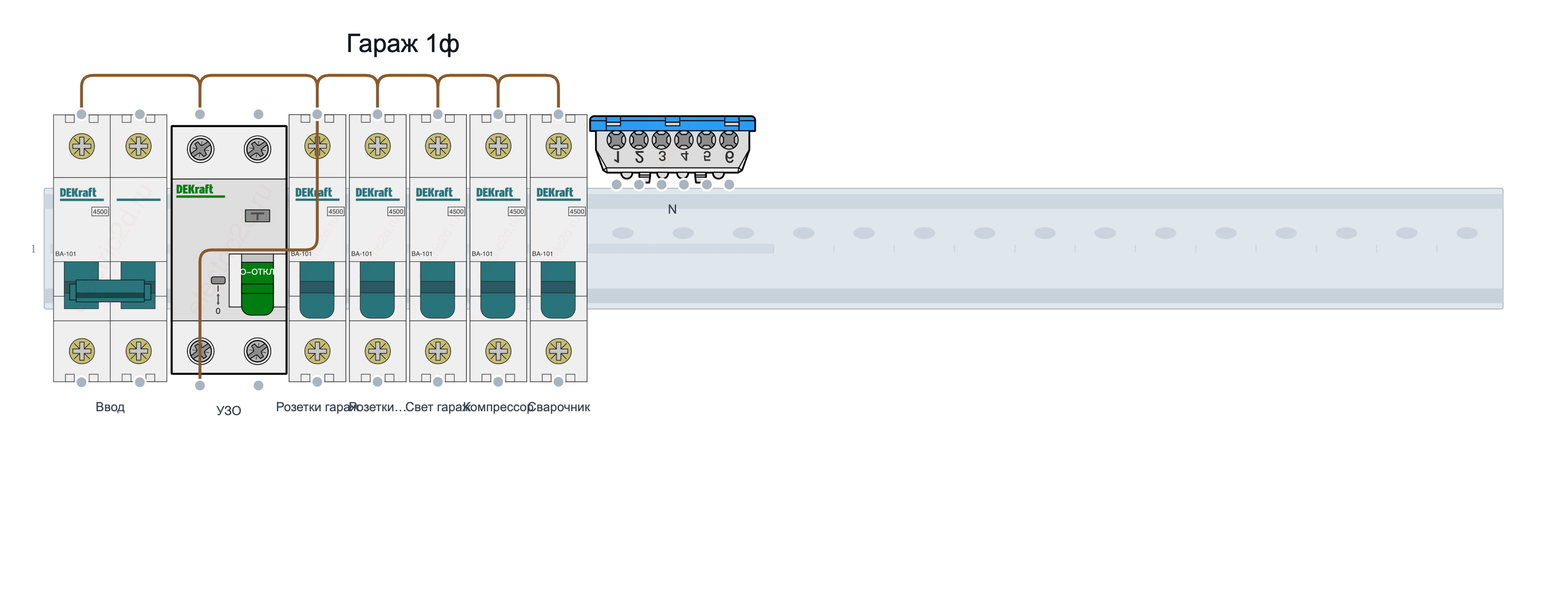
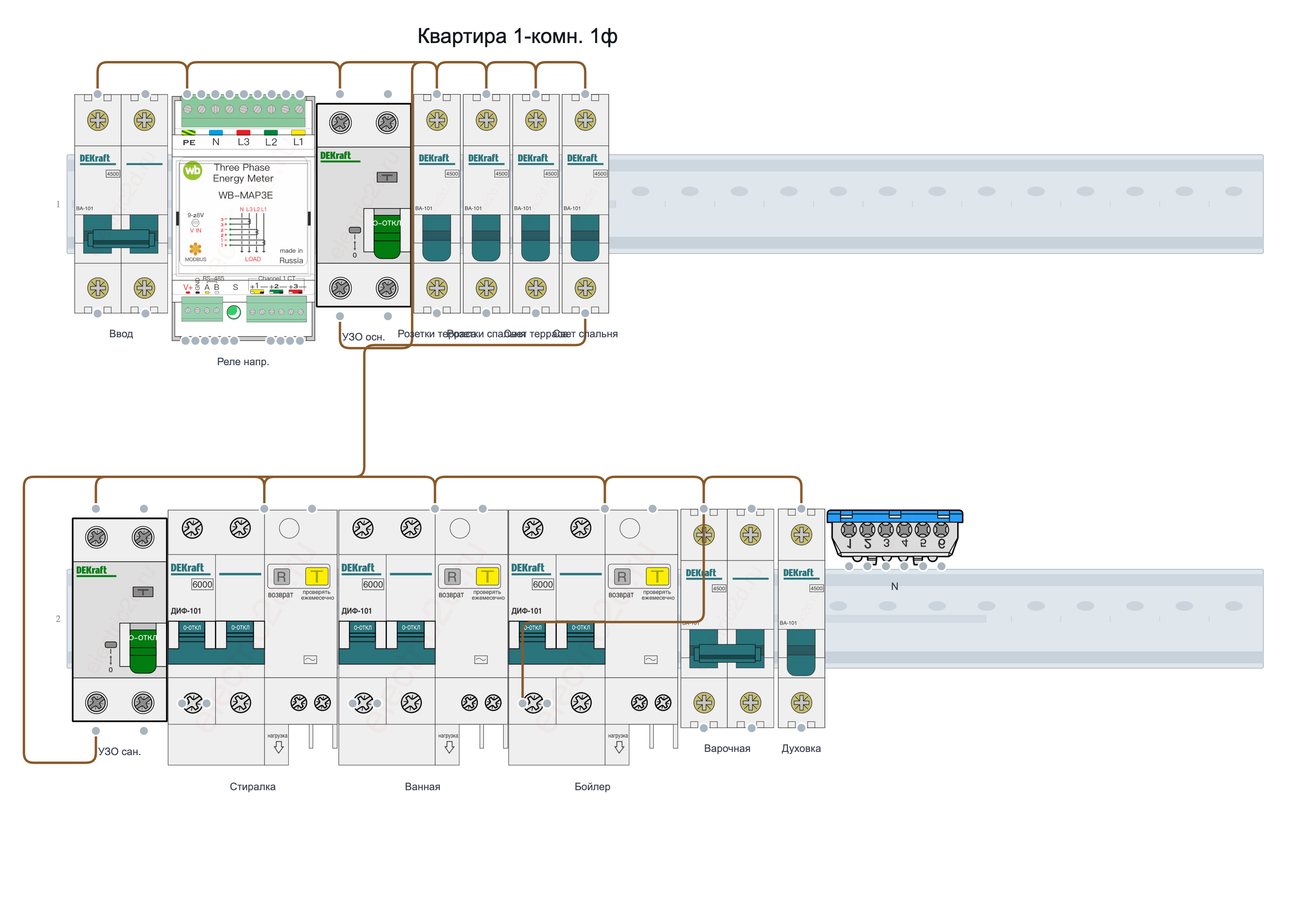
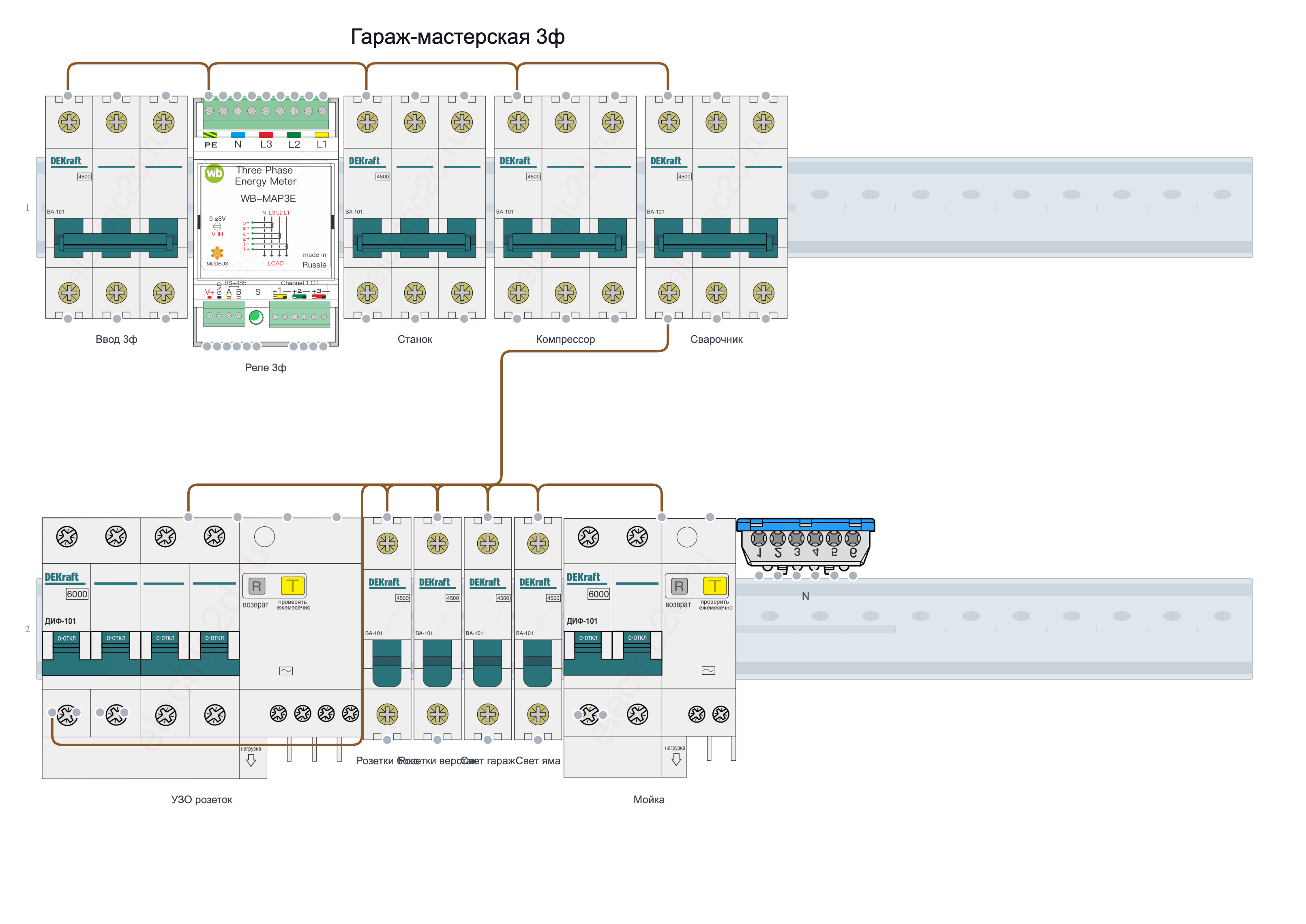
DIN rail layouts
Choose circuit breakers, RCDs, terminal blocks and other catalog components. Set the number of rows and rail capacity for your panel.
Wiring and labels
Connect terminals with wires, label devices and name outgoing circuits. Use colours and annotations to keep your diagram readable.
Bill of materials and documents
Prepare an equipment list, enter prices and export documents in PDF, SVG or PNG format.
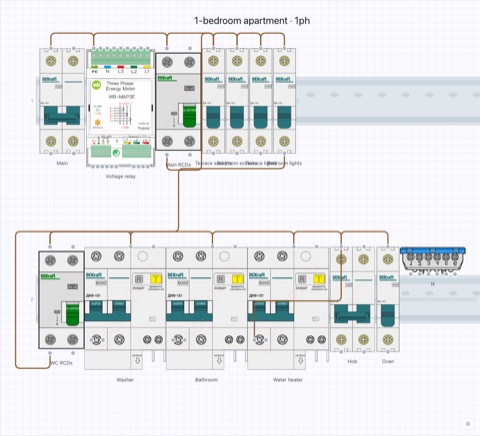
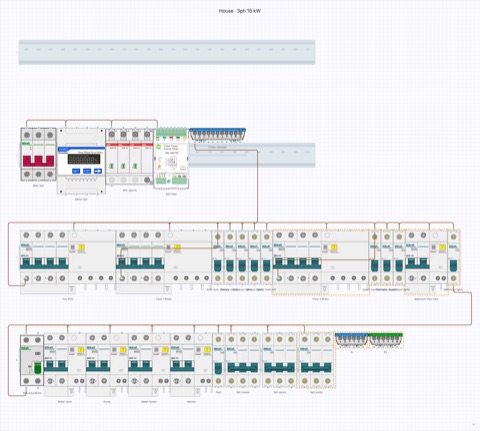
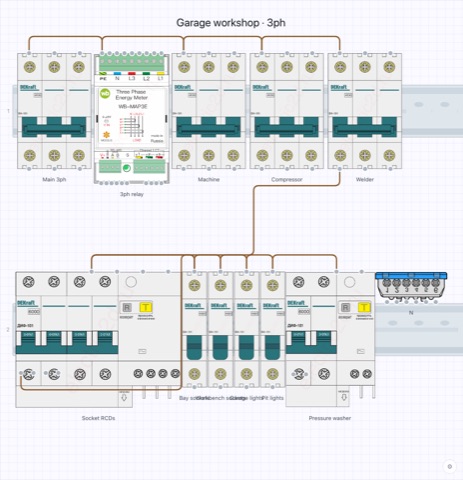
Ready-made designs — panels by archetype
Get a ready-made panel skeleton in one click: open it, study it and save it as your project to adapt it to your task.
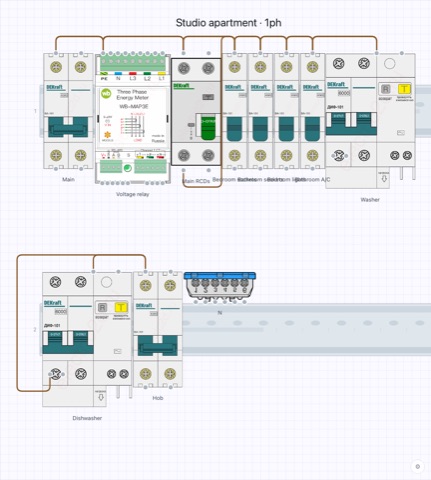
How to design an electrical panel
- Create a project and configure your DIN rails.
- Add catalog components and arrange them on the canvas.
- Connect devices, label circuits and save your project.
- Open “Export documents” and download the format you need.